
YouTube to MP4 Converter
Choose an available resolution and save the video as an MP4 with sound.
VIDEO AND AUDIO DOWNLOAD OPTIONS
Paste a YouTube link and choose what to save. Download the video with sound or save the audio on its own.
No sign-up or app installation required.
YOUR VIDEO
Your file is ready to download.
YTAIKit shows the formats and resolutions available for the link you enter. Compare the options before saving your file.
Copy the video link from YouTube and paste it into the box above. Select Get download options and complete the verification.
Pick a resolution under Video or a format under Audio. Check the file size before you continue.
Select Start download to prepare the file. When it’s ready, select Download file to save it to your device.
Choose an available resolution and save the video as an MP4 with sound.
Save the audio from a YouTube video as an MP3 file.

Choose a higher resolution for more detail or a smaller file to save space.

Paste a Shorts link to see the available download options.
You can use the downloader without signing in or spending AI credits. The whole process takes place on this page.
Available resolutions depend on the video. Open the Video tab to see the options for your link.
Yes. After submitting the link, open the Audio tab and choose one of the available formats.
Start download prepares the file. Once you see Download file, select it to save the file to your device.
Open the link on YouTube and check that the video plays. If it does, use YouTube’s Share button to copy a fresh link, then paste it into YTAIKit.

A practical workflow for choosing captions, generating a YouTube summary, checking important claims against the source, and keeping useful notes.
Save YouTube Shorts with picture and sound, choose an available format, and find your finished file with this practical online download guide.
Learn how to save YouTube audio online, compare 128 and 320 kbps MP3 with M4A, estimate file sizes, and find your finished download.
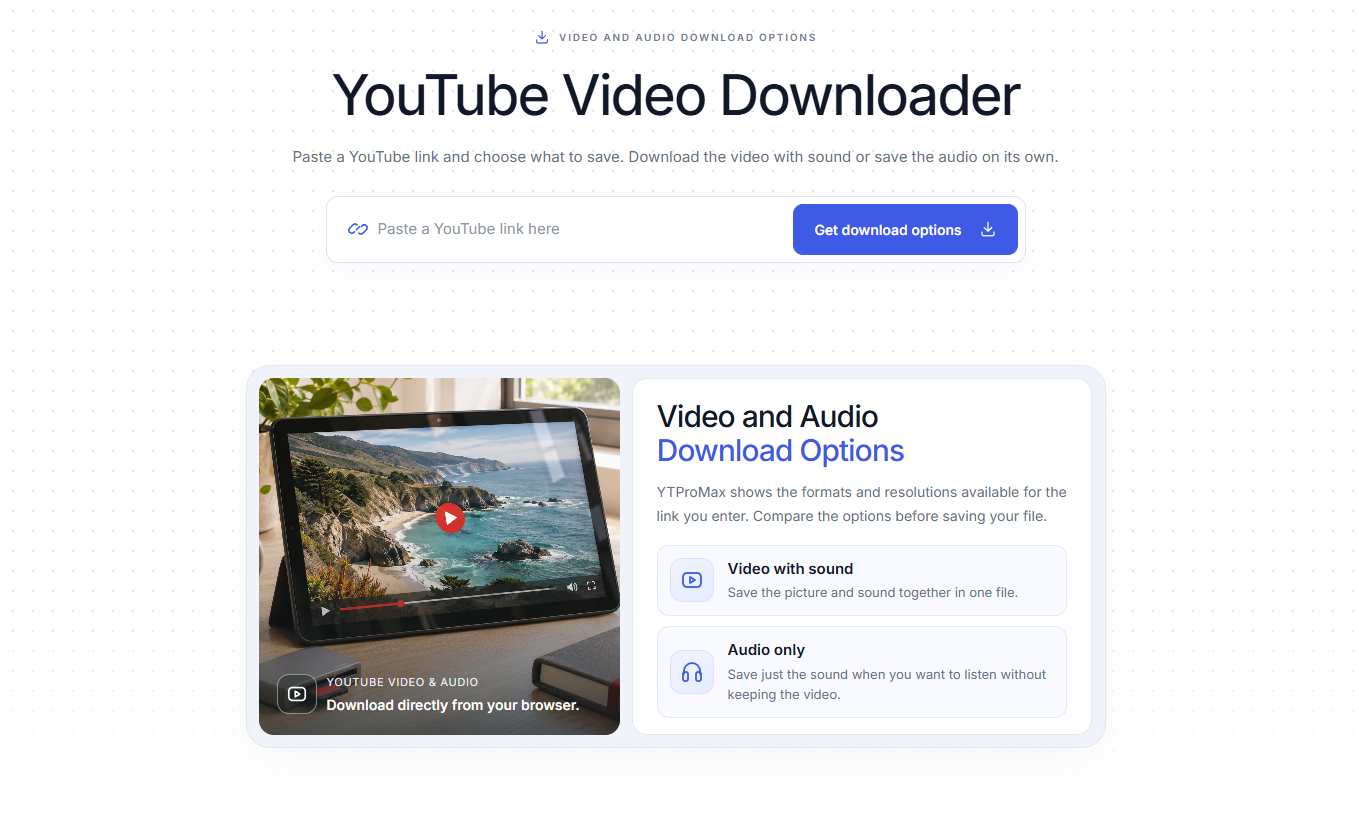
A practical guide to free, ad-free YouTube downloads: choose an available HD format, compare download methods, and save your file without installing an app or creating an account.
Go back to the downloader and paste your YouTube link.