

01 / TRANSCRIPTS
Read and search transcripts
Read, search and copy available subtitles. Revisit a passage by timestamp or download the original captions as TXT, SRT or VTT. Free with Google sign-in.
Get a transcriptAI SUMMARIES FROM YOUTUBE CAPTIONS
Turn captioned YouTube videos into clear summaries, key takeaways and script drafts. Read the transcript when you need more context.

Start with a question, connect new ideas to what you already know, and review the lesson in your own words.
Learning is about making connections between ideas.
Choose the output that fits your next task, using the video's existing captions as the source.
Read, search and copy available subtitles. Revisit a passage by timestamp or download the original captions as TXT, SRT or VTT. Free with Google sign-in.
Get a transcript
Choose an AI summary for an overview or key points for review. Both use the selected subtitle track, so you can return to the source for context.
Summarize a video
Generate a script draft in English or Simplified Chinese from the video's subtitles. Copy it to your editor to check facts, refine the language and add your own perspective.
Draft a script
The best ideas often start with a simple question.
Learning is about making connections between ideas.
Review the lesson in your own words to check what you remember.
Sign in with Google to read, search and copy available subtitles for free. Use transcript timestamps to revisit the video, or download the original subtitles without spending AI credits.
Generate a summary for an overview, key points for review, or a spoken script draft to develop further. Check the result against the source, then copy it or return to it in your private library.
Paste a link, choose what you need, then generate and review your result.
Start with a public YouTube video that has accessible captions. Copy its URL and paste it into the input above.
Existing captions requiredSign in with Google and select an available subtitle track. Choose a summary, key points or script draft, then set your output language.
Google sign-in requiredGenerate your result, check it against the source and copy the text. Return to saved AI results in your private library whenever you need them.
1 AI credit per generation
Summarize a captioned lecture or tutorial, review its key points and search the transcript for details you want to revisit.
FOR STUDENTS & LIFELONG LEARNERS
Keep an overview of an interview or talk, collect its main points and return to the transcript to verify quotes in context.
FOR RESEARCHERS & DEEP THINKERS
Use a captioned video as a reference for a spoken script draft. Copy the result, then refine the wording, check facts and add your own perspective.
FOR CREATORS & STORYTELLERSUse public YouTube videos with accessible existing subtitles, including auto-generated captions. Videos without captions cannot be summarized with this tool. Private, removed or restricted videos may be unavailable. The tool does not transcribe audio or accept uploads. AI generation supports videos up to 1 hour. Longer videos are not supported yet; subtitle reading and downloads remain available.
Sign in with Google to use the workspace. Reading, searching, copying and downloading available subtitles are free and do not use AI credits. Generating a summary, key points or script uses one daily AI credit.
Your daily allowance is 10 free AI credits, resetting at midnight in Asia/Shanghai. Each summary, key-points or script generation uses one credit. Unused credits do not carry over. If a generation task fails, its credit is returned.
You can choose from the video's available subtitle tracks. AI results can be written in English or Simplified Chinese. Original subtitle downloads are not translated.
Download the original subtitles as TXT, SRT or VTT, or copy the transcript text. AI summaries, key points and script drafts can be copied and revisited in your account's private library. Subtitle downloads contain the original captions, not the generated AI result.
Results are generated from the selected subtitle track. Captions can contain errors, and AI may miss context or make mistakes. Use the summary as a starting point and check important facts, names and quotes against the original video.
A practical workflow for choosing captions, generating a YouTube summary, checking important claims against the source, and keeping useful notes.
Save YouTube Shorts with picture and sound, choose an available format, and find your finished file with this practical online download guide.
Learn how to save YouTube audio online, compare 128 and 320 kbps MP3 with M4A, estimate file sizes, and find your finished download.
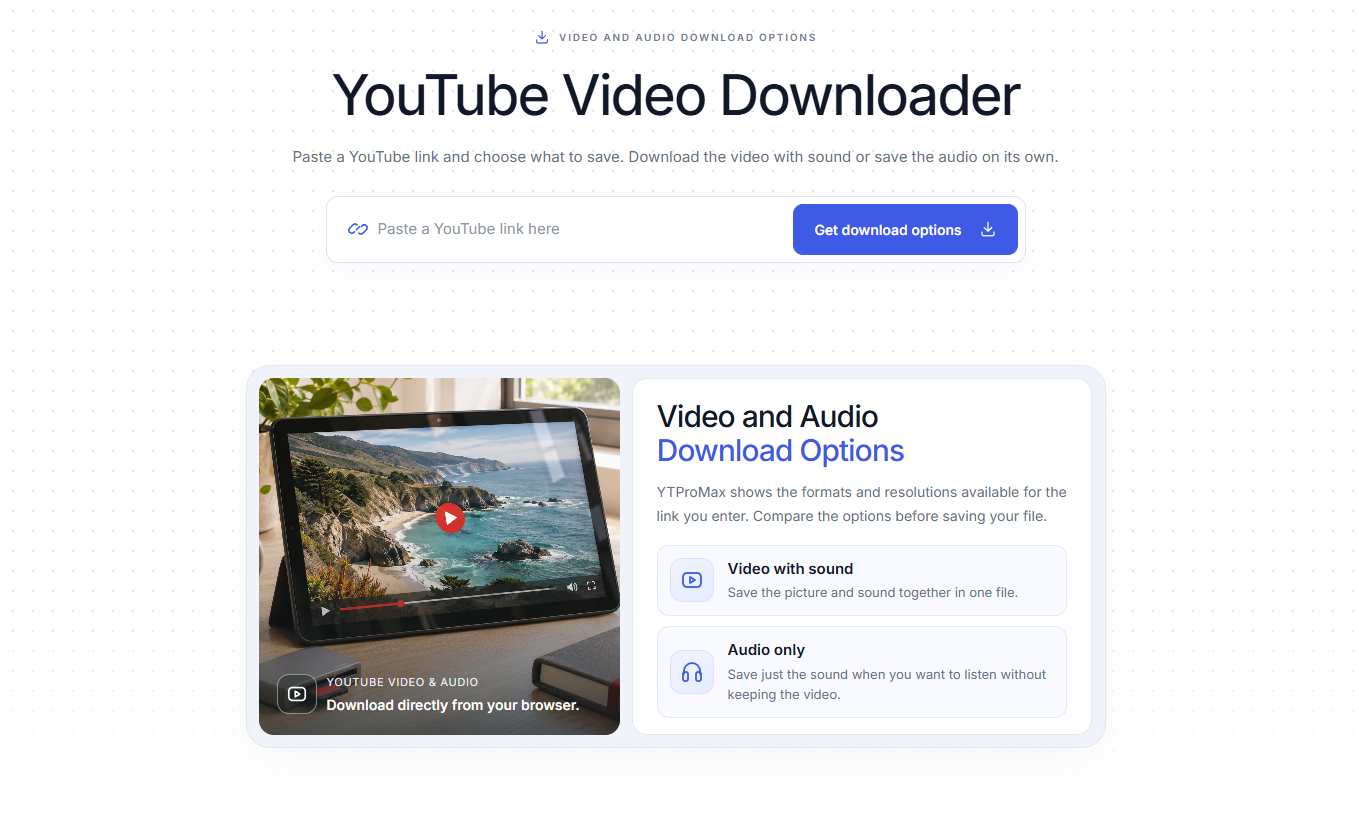
A practical guide to free, ad-free YouTube downloads: choose an available HD format, compare download methods, and save your file without installing an app or creating an account.
Paste a captioned YouTube video link to get started with a summary or key takeaways.
Summarize a video Google sign-in required · 10 free AI credits daily · 1 credit per generation