
AI VIDEO TOOLS
AI YouTube Tools
Create AI summaries, key takeaways and script drafts from captions, or read the original transcript.
AI TOOLS, VIDEO DOWNLOADS & MORE
Get more from YouTube with AI summaries, key takeaways and script drafts. Download video or audio, explore transcripts and find useful video details—all from one toolkit.

Start with a question, connect new ideas to what you already know, and review the lesson in your own words.
Learning is about making connections between ideas.
Summarize with AI, download YouTube video and audio, or explore free tools for video details. Choose what you need for your next task.
Create AI summaries, key takeaways and script drafts from captions, or read the original transcript.

Download YouTube videos and Shorts, convert to MP3, or save MP4 files in available formats.
Extract tags and descriptions, find channel IDs, check video information and create timestamp links.

The best ideas often start with a simple question.
Learning is about making connections between ideas.
Review the lesson in your own words to check what you remember.
Find a quote, review a lesson or revisit a specific moment. Read and search a video's existing captions, follow transcript timestamps back to the source, and download the original subtitles for reference.
Turn YouTube captions into an AI summary, key takeaways or a spoken script draft. Choose your output language, check important details against the source, and keep your results in your private library.
One YouTube link connects you to AI summaries, video downloads and free utilities. Choose a tool to get started.
Copy a YouTube video link and paste it into the input above.
A YouTube video linkSelect an AI tool, downloader or free utility, then click Open Tool. Sign in with Google to use the transcript or AI workspace.
Google sign-in for the workspaceDownloaders and free utilities analyze your link on their own pages. For AI results, review the video in your workspace and click Generate when ready.
AI generation uses 1 credit when confirmed
Turn captioned lectures and tutorials into AI summaries and key points. Search the transcript when you need the details behind an idea.
FOR STUDENTS & LIFELONG LEARNERS
Explore video information and descriptions, identify a channel, and share timestamp links that take others straight to the moment you are discussing.
FOR RESEARCHERS & DEEP THINKERS
Develop an AI script draft from a captioned video, extract tags for reference, or download available video and audio for material you can use.
FOR CREATORS & STORYTELLERSThe YouTube Toolkit brings AI video tools, YouTube downloads and free utilities together in one place. Generate summaries, key points and script drafts from existing captions, read transcripts, download video or audio, and explore video details.
Paste a YouTube video link, choose a tool and click Open Tool. Downloaders and free utilities open their pages and start analysis automatically. Transcript and AI tools open the matching workspace after Google sign-in. AI generation starts when you click Generate in the workspace.
Video and audio downloads need no account. Sign in with Google to read, search, copy and export available subtitles for free, and to use the AI tools. You receive 10 free AI credits daily; each summary, key-points or script generation uses one credit. Subtitle tools use no AI credits.
AI tools use accessible existing captions, including auto-generated subtitles. AI generation supports videos up to 1 hour. The tools do not transcribe audio or accept uploads. Subtitle reading and downloads remain available for longer videos.
Choose the Video Downloader, YouTube to MP3, YouTube to MP4 or Shorts Downloader for the file you need. Available formats depend on the source video. For original subtitles, use the transcript workspace to export TXT, SRT or VTT files.
Extract video tags and descriptions, find a YouTube channel ID, inspect video information, or generate a timestamp link to share a specific moment. These utilities retrieve video details or create links; they do not generate AI content.

A practical workflow for choosing captions, generating a YouTube summary, checking important claims against the source, and keeping useful notes.
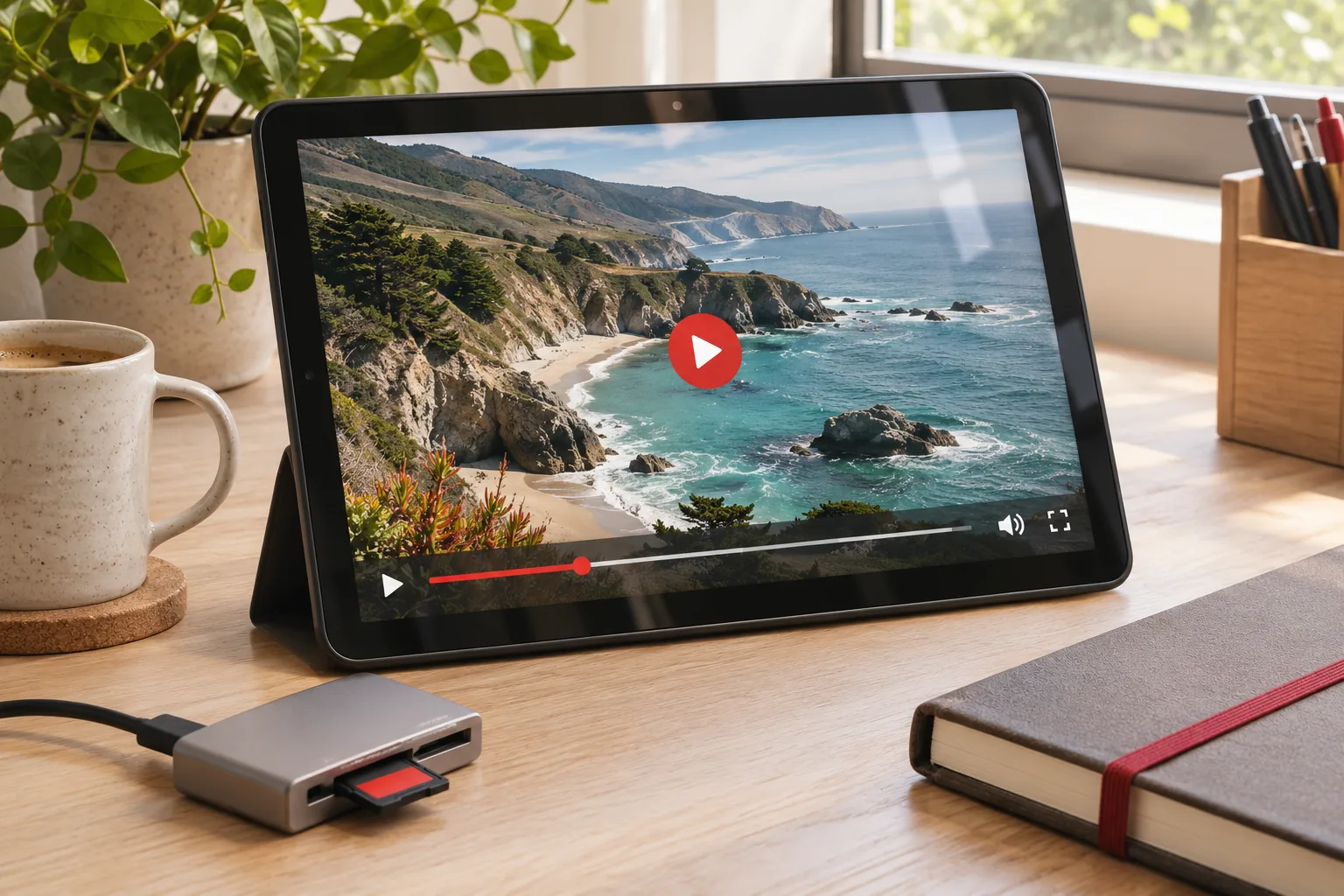
Save YouTube Shorts with picture and sound, choose an available format, and find your finished file with this practical online download guide.
Learn how to save YouTube audio online, compare 128 and 320 kbps MP3 with M4A, estimate file sizes, and find your finished download.
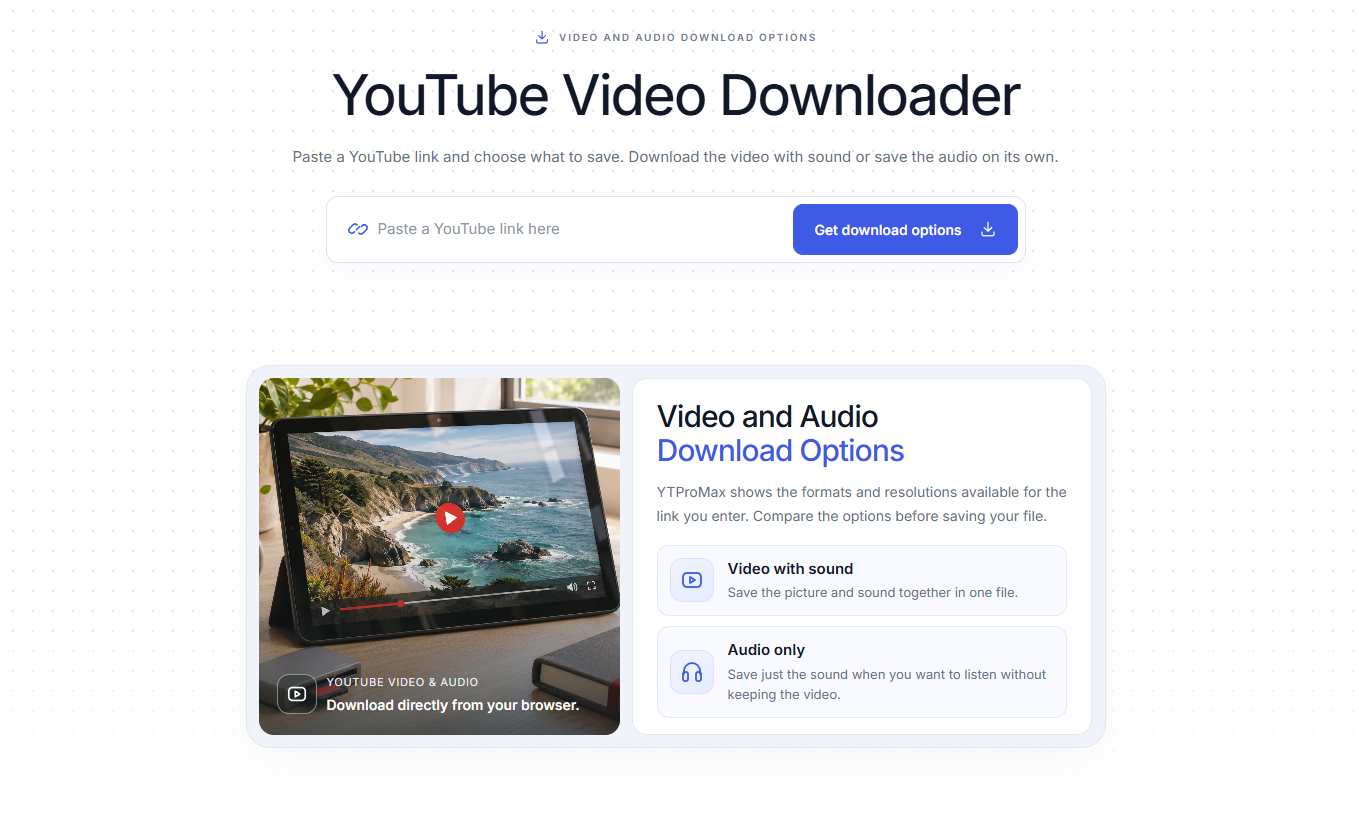
A practical guide to free, ad-free YouTube downloads: choose an available HD format, compare download methods, and save your file without installing an app or creating an account.
Choose an AI tool, download video or audio, or explore the details behind your next YouTube video.
Explore the Toolkit Downloads need no account · Google sign-in for the workspace · 10 free AI credits daily