
Download in your browser
Use YTAIKit without creating an account, installing an app, or spending AI credits.
DOWNLOAD SHORTS ONLINE
Paste a YouTube Shorts link to see your download options. Save the full clip with sound or download just the audio.
Paste a YouTube link to see available downloads.
YOUR VIDEO
Download complete. Your file is ready to save.
Found a quick recipe, a workout demo, or a tip you want to revisit? Paste the Short’s link into YTAIKit to see which formats and resolutions are available.
Open the Short on YouTube and tap or click Share, then Copy link. Paste it here and select Find Shorts. Complete verification if prompted.
Open the format selector. Under Video, choose a resolution for the full clip. Choose an option under Audio if you only want the sound. Check the file size if it is shown.
Select Start Download to prepare your file. When it’s ready, select Download File to save it to your device.
Keep useful clips handy, even when you’re offline.
Use YTAIKit without creating an account, installing an app, or spending AI credits.
If the spoken tip is all you need, choose an audio file so you can listen back without opening the video.
Pick a higher resolution when details like on-screen text matter, or a lower one when you want a smaller file.
Save a recipe or workout demo before you head out, then replay it from your device.
Help with Shorts links, file formats, and downloads.
Open the format selector to see the available formats. The Video group lists video formats and resolutions; the Audio group lists audio formats. The options depend on the Short you enter.
Yes. Paste a regular YouTube video link into the same field to see the download options for that video.
You can check the available formats and download a file without signing in or using AI credits.
Open your browser’s downloads list or check your device’s Downloads folder. If you chose a different location when saving the file, check that folder.
If the Short has captions, paste its link into the YouTube Transcript tool to read and copy the text.

A practical workflow for choosing captions, generating a YouTube summary, checking important claims against the source, and keeping useful notes.
Save YouTube Shorts with picture and sound, choose an available format, and find your finished file with this practical online download guide.
Learn how to save YouTube audio online, compare 128 and 320 kbps MP3 with M4A, estimate file sizes, and find your finished download.
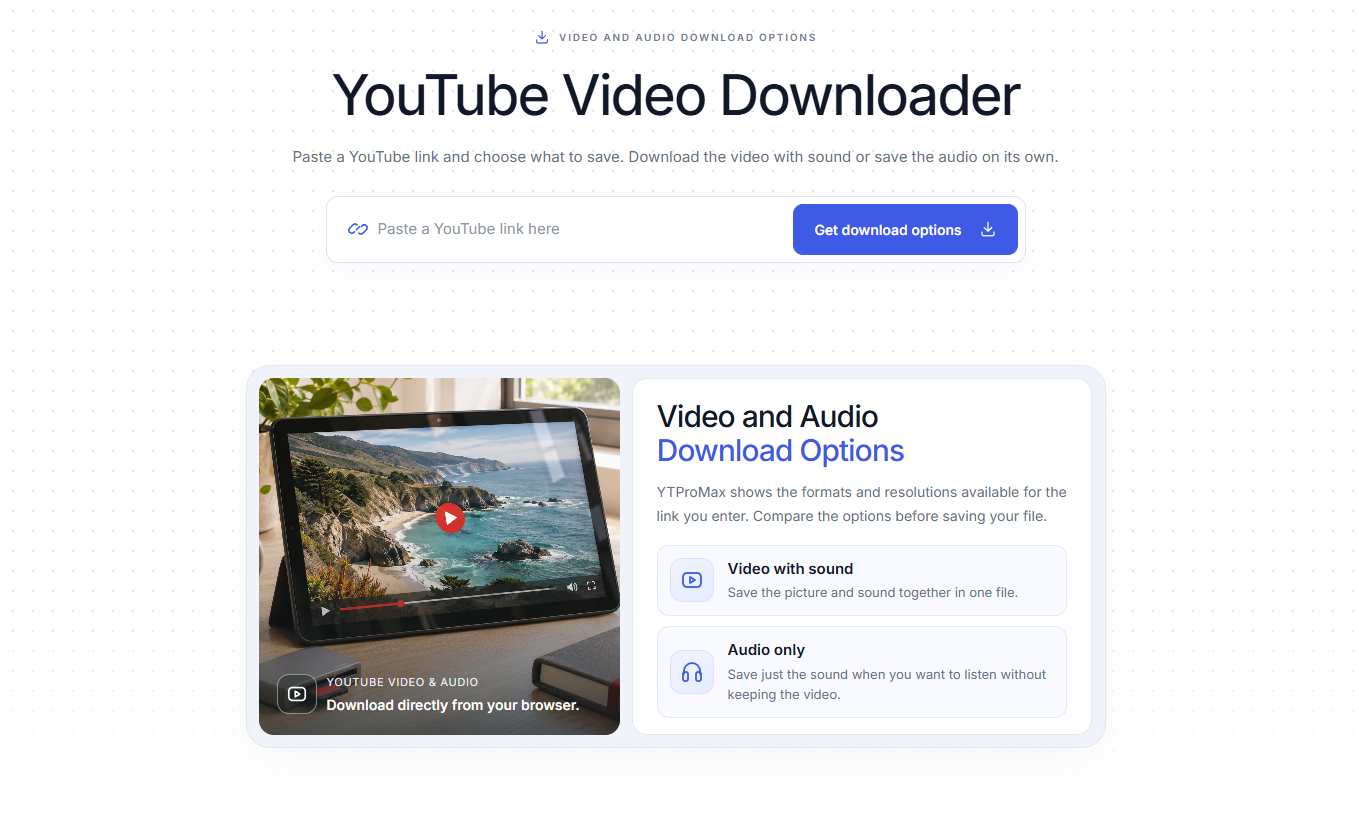
A practical guide to free, ad-free YouTube downloads: choose an available HD format, compare download methods, and save your file without installing an app or creating an account.
Copy its share link to get started.