
THE IDEAS WORTH KEEPING
YouTube Key Points Generator
Keep the ideas that matter.
Turn a video's existing captions into focused bullet points. Review the main ideas, check their context and keep the takeaways for later.
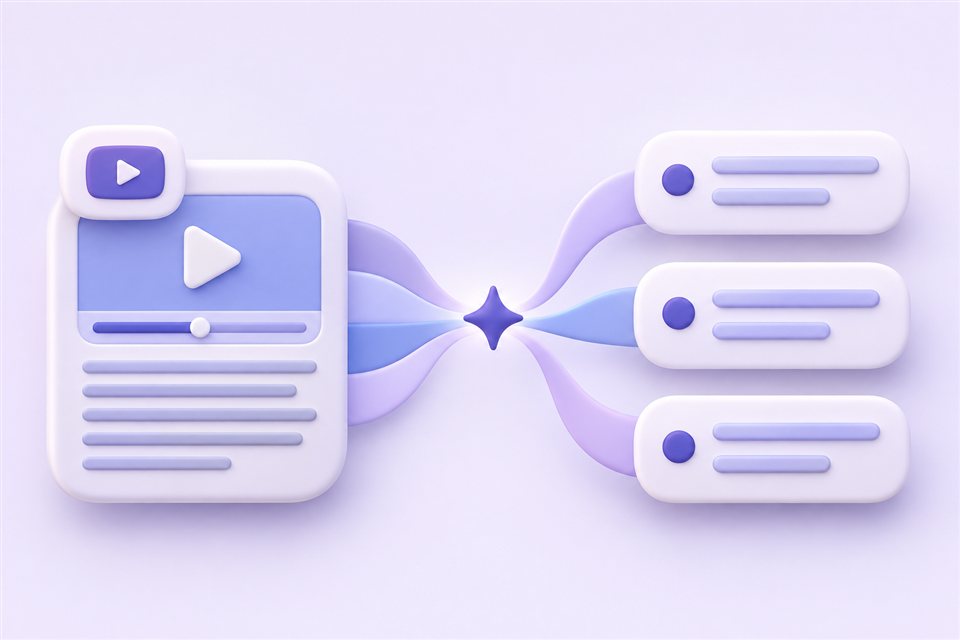
Focus on the main ideas.
Keep a useful reference.
- Start with a question that sparks your curiosity.
- Connect new ideas to what you already know.
- Review the lesson in your own words to check what you remember.
An overview is useful.
Specific takeaways go further.
A summary gives you the overall picture. Key points separate the main ideas into focused bullet points, making individual claims and useful details easier to review.
- Generate from an available subtitle track
- Choose English or Simplified Chinese output
- Return to the transcript when you need context

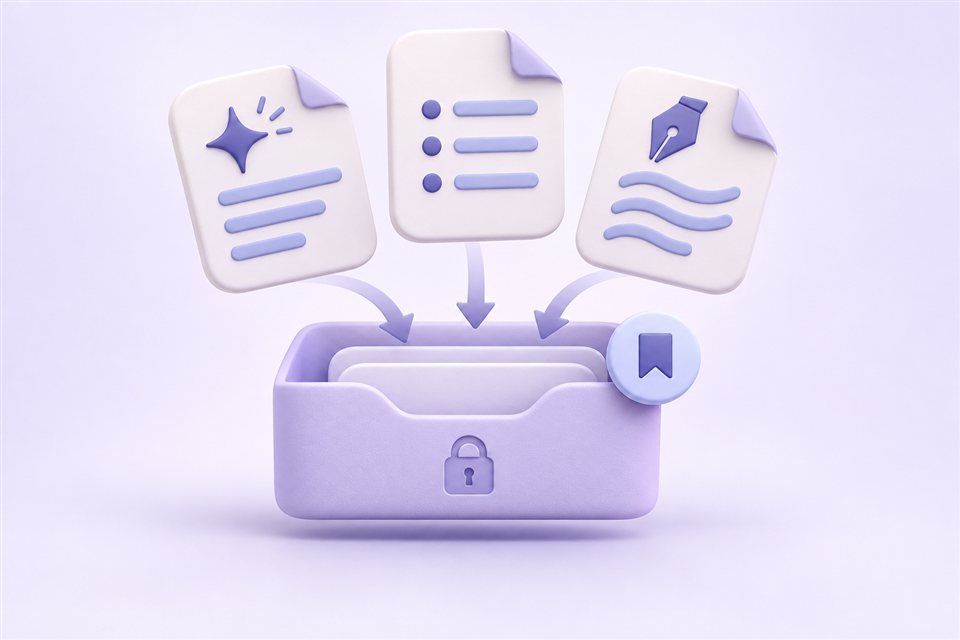
Review the points.
Return when you need a refresher.
Use the result as a starting point for study notes or interview research. Check the source, copy the points you need and revisit saved results in your private library.
- Review individual takeaways at your own pace
- Copy generated text into your notes
- Reopen saved key points from your account
AI can miss context or make mistakes. Verify important details against the original video.
From video captions to focused takeaways.
1 AI credit per generation
- 01
Paste a captioned video
Use a public YouTube video with accessible existing subtitles. Paste its URL into the input above.
- 02
Choose and generate
Sign in with Google, select a subtitle track and choose English or Simplified Chinese. Generate Key points for one AI credit.
- 03
Check and keep the points
Review the takeaways against the source, copy the text and return to saved results in your private library.
YouTube key points FAQ
How are key points different from an AI summary?
Key points focus on individual ideas and useful specifics as bullet points. A summary gives a broader overview. Choose key points when you want separate takeaways to review, and a summary when you need the overall picture.
Which YouTube videos can I use?
Use public videos with accessible existing subtitles, including auto-generated captions. Videos without captions are not supported. Private, removed or restricted videos may be unavailable. This tool does not transcribe audio or accept uploads. AI generation supports videos up to 1 hour. Longer videos are not supported yet; subtitle reading and downloads remain available.
Do I need to sign in, and how do AI credits work?
Sign in with Google to receive 10 free AI credits daily. Each generation uses one credit. The allowance resets at midnight in Asia/Shanghai; unused credits do not carry over. If a generation task ultimately fails, its credit is returned.
Which subtitle and output languages can I choose?
Select from the subtitle tracks available for the video. Generated key points can be written in English or Simplified Chinese. This does not translate the original subtitle downloads.
Can I copy and save the generated key points?
Yes. Copy the generated text into your notes or editor. Your generated results are saved in your account’s private library so you can revisit and copy them later.
How accurate are the key points?
The AI uses the selected subtitle track. Caption errors, missing context and model mistakes can affect the result. Key points may omit details; check important facts, names and quotes against the original video.
Ready to find the key takeaways?
Start with a captioned YouTube video and turn its main ideas into points you can review.
Generate key points Google sign-in required · 10 free AI credits daily · 1 credit per generation